Product drops
New bottles, handmade objects, seasonal specials. Explore supporting props, lighting and settings without losing focus on product details.
 Spicy-Mayo
SPICY-MAYO / THE CREATIVE COUNTER
Product scenes with personality. Menu concepts with appetite. Spicy-Mayo gives small brands room to explore before committing to finished campaign artwork.
Strictly Prohibits Adult/NSFW ContentYour image will appear here
Nano Banana 2.5 is pending in Spicy-Mayo; Nano Banana 2 is ready and other live image models are selectable. Choose editing mode to upload references, and check the active model, supported inputs and quoted credits before submitting.
Background: the coral direction, made with FLUX.2.
SMALL BRIEFS, CLEAR DIRECTIONS
Spicy-Mayo combines subject, mood and placement into editable instructions. Review studio settings before submitting. Preparing this brief spends no credits.
YOUR STARTING PROMPT
Create an editorial campaign concept for a small glass jar of chili mayonnaise. Art direction: a coral tabletop, crisp side light, playful ingredient shapes and rich warm colours. Place the product in the lower right and leave the upper left clear for copy. Keep the composition readable at a small size. No generated lettering, logo or watermark.
Transfers prompt and format. No credits spent.
ONE SCENE, TWO DIRECTIONS
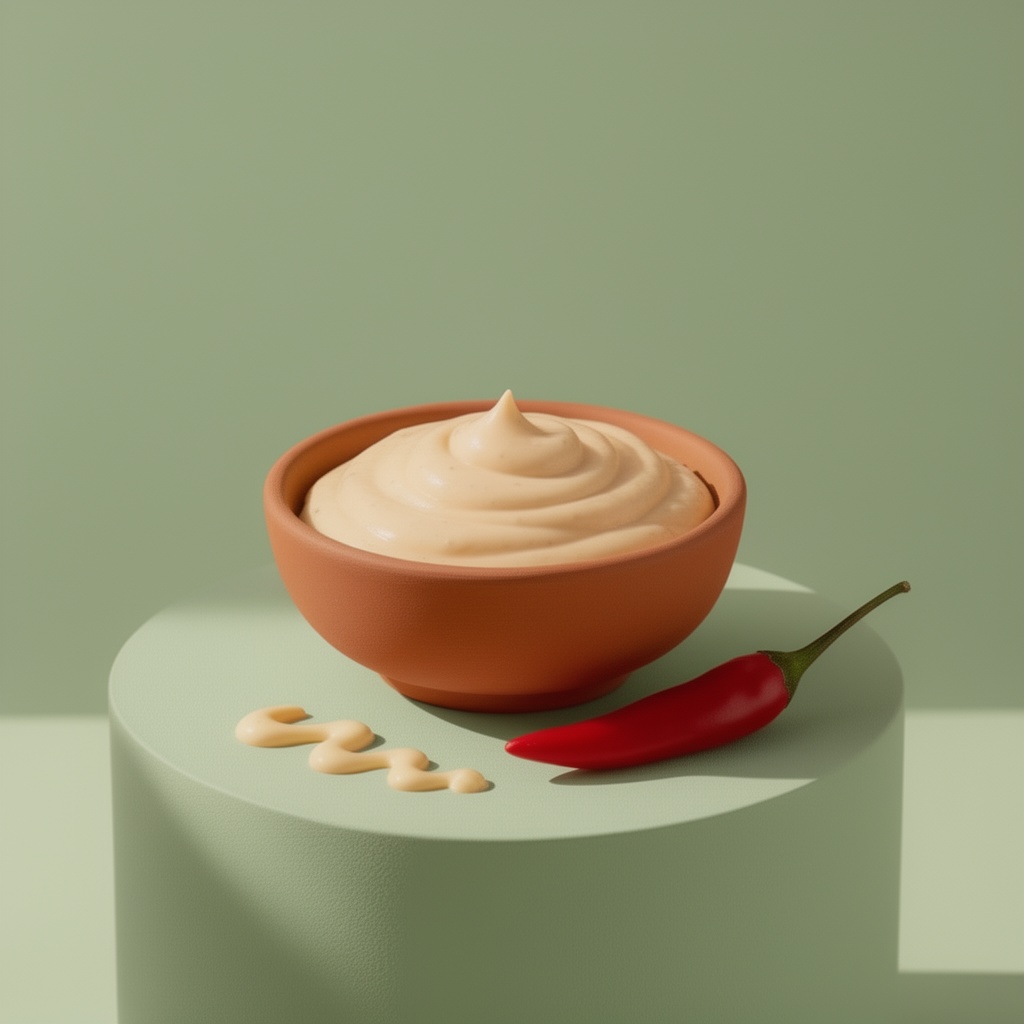
Background colour changes how food feels. This Spicy-Mayo study started with coral, then used that result as reference for sage.
Made with FLUX.2 → FLUX.2 edit. These generated concepts demonstrate iteration, not Nano Banana 2.5 output or product photography.
Explore another colour direction →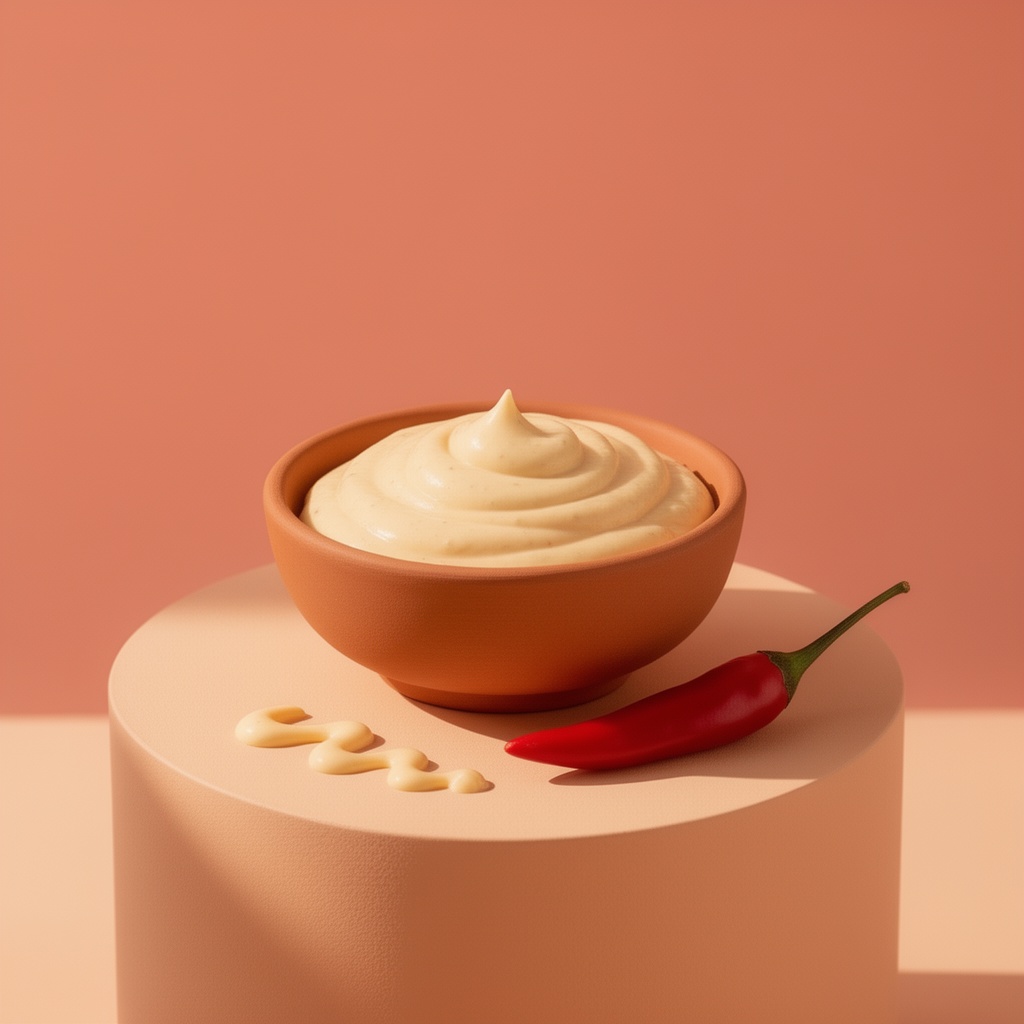
Inspect packaging, labels, shapes and generated details. Export finished concepts, then add finished typography, prices or required disclosures in your design tool.
Spicy-Mayo creates individual images. Brand kits, final layout and print preparation remain separate production steps. Revisit saved results through account history whenever another edit is needed.
See plans and model credit costs →AT THE COUNTER
Spicy-Mayo helps independent shops, food brands and small creative teams explore campaign directions before producing finished artwork. Review every concept before publishing.
Yes. In Spicy-Mayo, select an editing model and upload a photo you have permission to use. Specify which packaging details should remain. Inspect labels, proportions and shapes afterwards: AI editing can change them.
Choose your final format first. Specify empty space, such as a quiet cream area above a product positioned lower right. Add critical prices, legal copy and finished typography in your design editor.
Not yet. Spicy-Mayo lists Nano Banana 2.5 as pending. Nano Banana 2 starts selected; other live models are available. Check which model will run before submitting.
No. This FLUX.2 still life was followed by a reference edit changing its background. It demonstrates art direction, not a real dish, ingredient list or product claim.
Spicy-Mayo quotes credits for selected models and settings before submission. Find paid plans and credit packs on our pricing page. No free generation credits are included.
No. Spicy-Mayo creates individual images. Logos, final layout, print preparation and rights checks remain separate production steps. This independent service is not a Google product.